01Came from
02Bought
03Delivered
04Paid
05What's next
For freelancers and consultants with clients
The Client Revenue Desk is a Notion workspace that puts every client's follow-ups, work and money on one page, so nothing slips and you can see who's worth more of your time.
Notion template · One-time payment · Instant access
Who it's for
The system
Log enquiries, work and money as they happen. The workspace links them together and shows you what to do next.
Module 01 / Opportunities
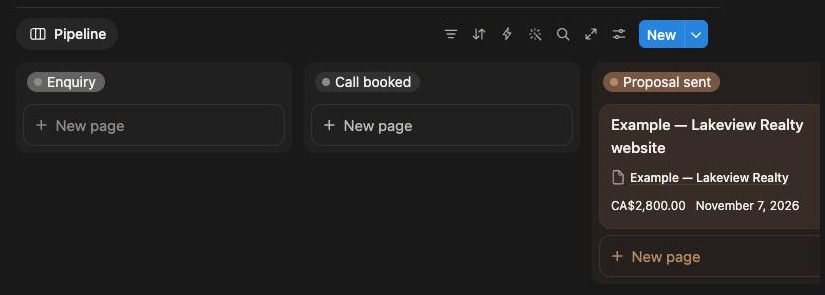
A board from enquiry to won, with a follow-up date on every card.
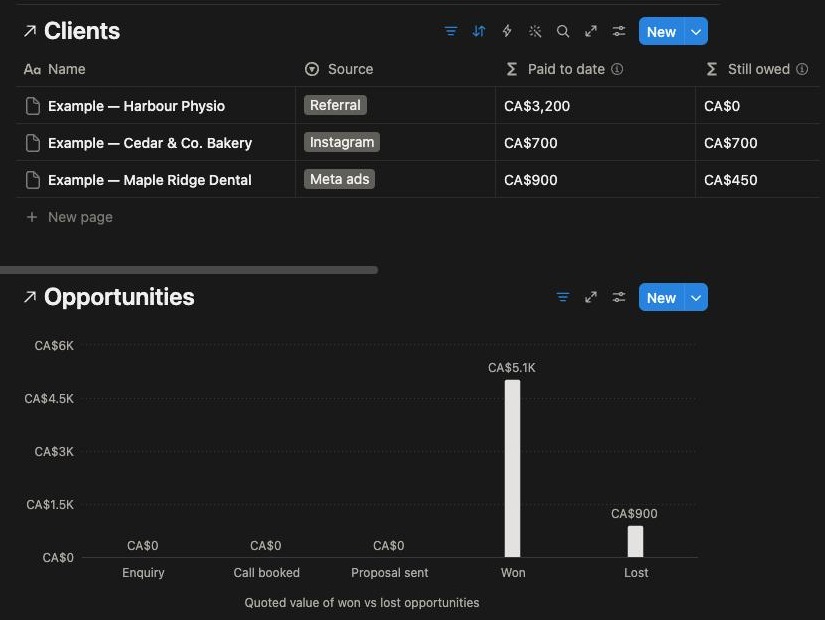
Module 02 / Client files
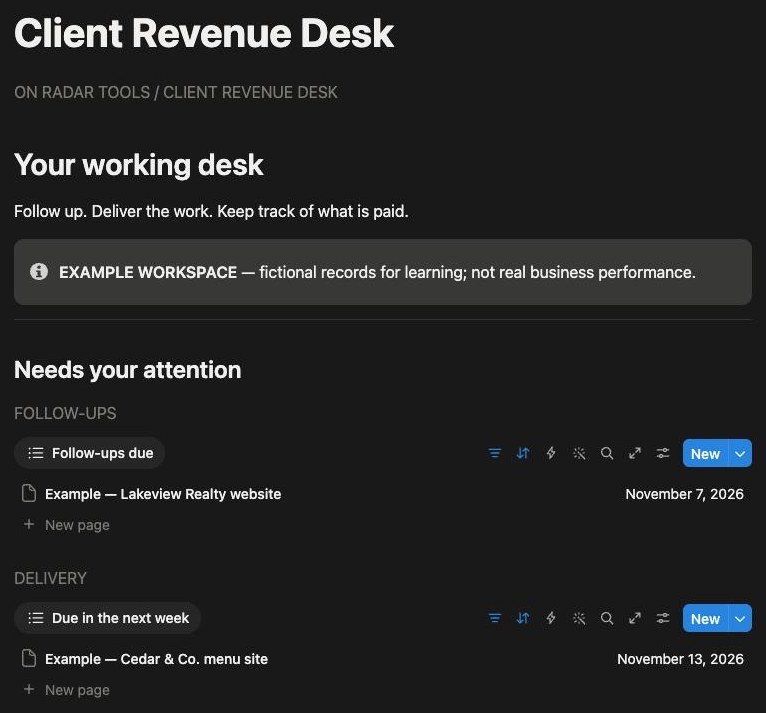
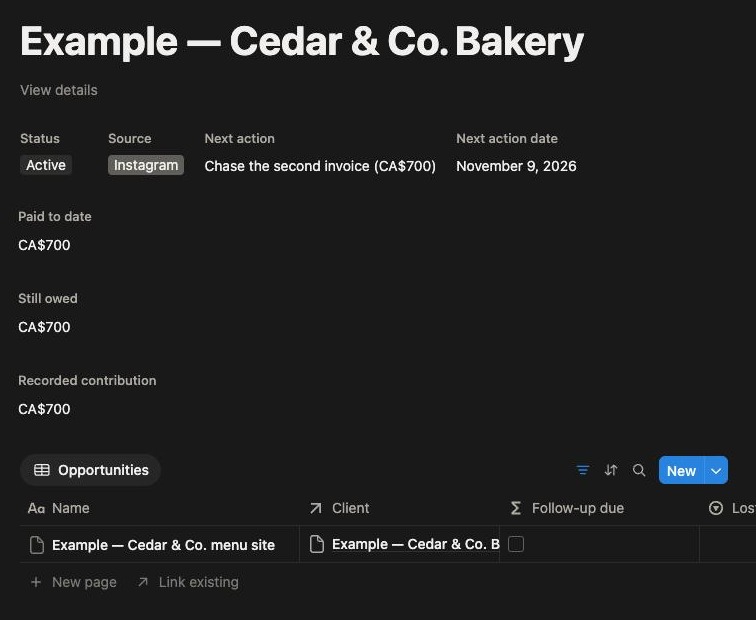
Open any client and see the whole relationship on one page. It fills itself from your other entries.
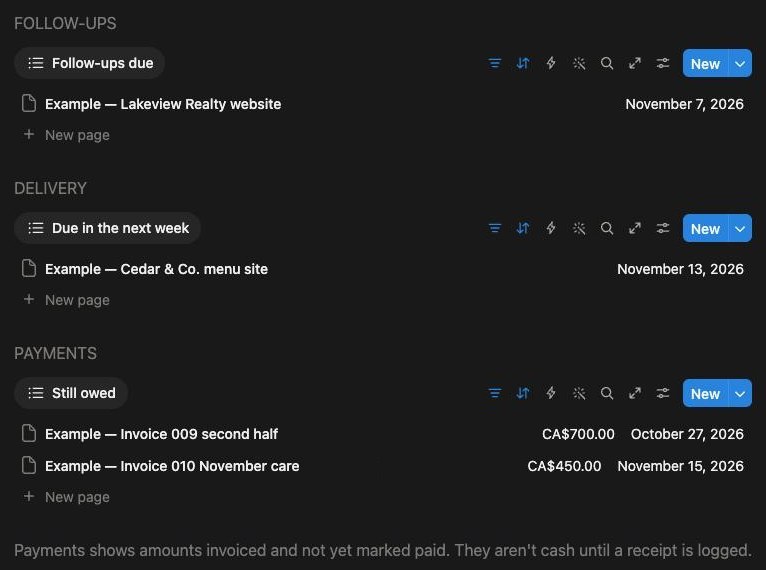
Modules 03 + 04 / Delivery and Money
One home page with the three lists that need you.
Module 05 / Review
Once a month, see which clients are worth more of your time.
| Source | Spent | Leads | Won | Per client | Return |
|---|---|---|---|---|---|
| Referral | CA$60 | 1 | 1 | CA$60 | +5027% |
| CA$150 | 2 | 1 | CA$150 | +367% | |
| Meta ads | CA$900 | 3 | 1 | CA$900 | −40% |
| Website | none logged | 1 | 0 | n/a | n/a |
Figures from the example workspace (a made-up studio). The workspace also shows cost per lead and lead-to-client rate. Return = recorded contribution minus spend, divided by spend.
Module 06 / Lead sources
Tag every client and lead with where they came from, log what you spend on each source, and see what a paying client really costs you.
The gap
When clients live in your inbox and your head, every month can quietly cost you:
Follow-ups that slip a week and go cold.
Invoices nobody chases until you need the money.
Clients that take more time than they pay for.
Renewals priced from memory instead of numbers.
Ad spend with no idea which source brought the clients who paid.
Duplicate it into your Notion and it's yours. No subscription.
Client Revenue Desk
Applicable sales tax is added at checkout.
Get instant accessDelivered as a Notion duplicate link by email after checkout. It's a digital product, so all sales are final.
Questions
It uses standard Notion features: databases, relations, rollups and formulas. If something doesn't work on your plan, email us before you get stuck.
It's a Notion workspace you update by hand. It doesn't send emails, connect to your bank or run automations.
No. You type in what you spent on each source, from your receipts or your ad account. The workspace does the dividing.
No. The scope summary template is a plain record of what you agreed, not a contract. Use an agreement written or reviewed by a lawyer where you work.
It shows recorded contribution: money collected minus the direct costs you logged for that client. Your time, general tools and tax aren't in it, so it isn't profit.
After checkout on Payhip you get an email with a link. Open it and click Duplicate to copy the workspace into your Notion.
It's a digital product, so all sales are final. Look through the previews and these answers before you buy. If the link doesn't work, email us and we'll fix it.
One decision
Set it up this afternoon. Know who to chase by tomorrow morning.
Get the Desk for CA$69One-time CA$69 · Notion template · All sales final